Overview
How to Install SketchUp 2021 Full Version, How to Use SketchUp Template., How to Use Basics Modelling tools., The Difference Between Group and Component., How to Draw Basics Furniture Model with Projects, How to Draw JPEG Photo Modelling, How to Draw AutoCAD Plan Modelling, How to Install Plugins, How to Use MAJ Rail Plugin, Shape Bender Plugin,1001Bit Tool Plugin, Instant Pro Roof Plugin, How to Use Layer and Entity Info, How to Save Components and Projects, How to create 3Storey Classic House Modelling Project, How to Use Pain Bucket Material, How to Edit Material Texture, How to Use VRAY Material, How to Use Emissive Light, IES Light, Rectangle Light, Sphere Light, HDRI and Dome Light, VRAY Sun Setting, VRAY Denoiser, VRAY Render Setting, VRAY Exposure, VRAY White Balance, Print and Layout Setting with Titleblock, Interior Lighting Modelling and Rendering Project, Vray 5 Installation, Dome Light,Chaos,Cosmos Browser and HDRI, How to download component from 3d Warehouse, VRay Object 3D Grass with Chaos cosmos Project
People who have no experience for SketchUp and VRAY and want to learn it., People who want to learn how to model with SketchUp Furniture modelling, People who want to learn Beginner Level to Pro Level, People who want to learn how to model with SketchUp House Modelling, People who want to learn how to use Plugins install and creating models, People who want to learn how to Design 3d Model Interior and Exterior, People who want to learn how to Print and Layout, People who want to learn realistic rendering
You need a Computer PC or Mac to Install SketchUp and VRAY, You do not need any prior knowledge about SketchUp, You need to willingness to learn to Create Interior Design and Exterior Design
Learn 3D Modelling with SketchUp
In this course, you're going to learn everything about modeling and design in SketchUp, from installing file software to the final export 3D Model.
These course dimensions are purposely designed for Beginner to Pro, who want to take their skills to the next level. Being able to confidently work in SketchUp is an essential skill for any Interior or Exterior Designer, Architectural Designer, and Engineering.
This course is aimed at anyone who wants to get into the creative industry and gain a rock-solid foundation in Exterior and Interior Designer.
Upon successful completion of this module, you should be able to:
How to Install SketchUp 2021 Full Version
How to use Template files and Units
How to Use Basic Tools with dimensions such as Line tool, Circle, Rectangle tool
How to Copy and Move Tool gives For the same dimension as the next one created
How to Offset tool gives copies in large and small sizes.
How to Pushpull tool helps to create 3D models
How to Orbit and Pan Tool helps to model direction changing
How to Tape Measure tool and Dimension tools, Label text, Protractor for Measuring Tool
How to Component Creating and Group Creating for 3D Models
How to Save and Inserting new native components
Window Project
Slide Door project
Table Furniture Project
Sofa Furniture Project
JPEG Photo Modelling Project
AutoCAD Plan Inserting and Modelling Project
Classic House Modelling Project
How to use Layer, Entity Info
How to use sun setting
How to use default lighting with exposure and Vray setting
How to use Vray white balance for color adjustment
How to reduce the noising limit with Denoiser
How to Use Material Texture
How to use Component Sampler
How to use dome light HDRI and Chaos Cosmos Browser
How to Install SketchUp Plugins and Use
How to create Emissive Light , Rectangle Light, Omni Light, Spot Light, IES Light
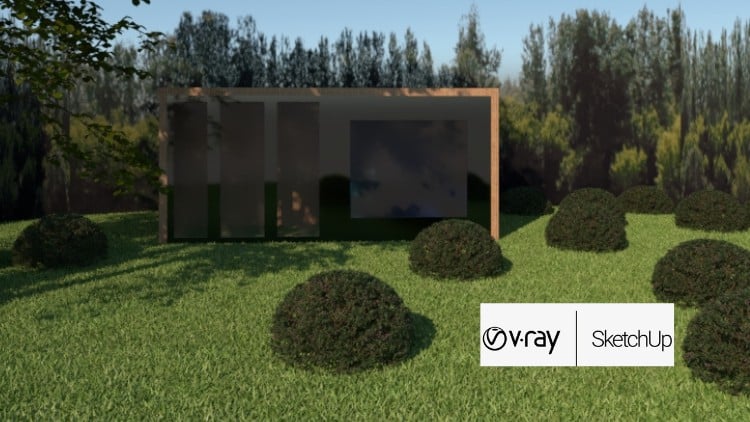
How to effect 3D grass and Chaos cosmos Browser Project
How to use Layout and Print setting
Layout Print Titleblock with Project
Start using SketchUp Modelling to create 3D Models and designs.
Thin Zar
I am Thinzar.I did my graduation from Government Technological University Yangon.I have 1 year of working experience as "Site Engineer Electrical" in the Housing Design and Draft Sector.
I love SketchUp! When I was young, I had the idea of 3D design for exterior and Interior Design and how to create it fast. And I loved it. Over the years I gained a lot of knowledge about SketchUp and now it is time to share it with the world! So I primarily focus on my SketchUp Course. I planned to make and share the multiple courses for the Udemy's audience.
Besides that ,I am also an Instructor at Sketch Engineering Training Center and DATA WORLD Professional Training Center.