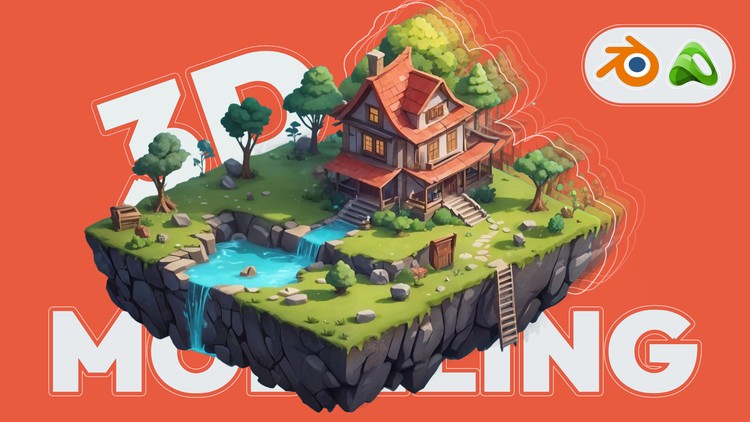
Overview
Use Blender and understand it's interface, Learn all the tools to create anything in 3D, and put it all into practice with step by step projects like modeling, shading, and rendering, Learn PBR texture and mix them to get even more interesting material, Learn UV map and unwrap all the Models you see in demo or intro, Project file and all assets, including grass, trees, barrel, textures and more, Lighting using Easy-HDRI & Blender lights, How to use graffiti and project them on models, How to mix textures and paint them on a model (we use mouse for painting), How to make cloth or flags
Game Developers who wish to expand their Skill Set., People who are curious about the world of 3D modeling and animation., Artists who want to learn to bring their assets alive., This course can be your expanded version of the Blender manual.
Mac or PC capable of Running Blender Version 3.1 or above, You will learn all of the tools that will be needed for this course.
Hello!
Get Ready for Another Major Update!
We’re excited to announce the Biggest Update Yet for our “Zero-to-Hero Blender Bundle” — a complete, all-in-one training program designed to take you from a total beginner to a confident 3D artist.
This course includes 5 expertly designed modules, each carefully crafted to help you master every stage of your Blender journey:
What’s New in This Update?
New videos added for deeper understanding of mesh editing in Blender — with plenty of practical examples
Fresh lessons on modifiers explained in a beginner-friendly way, featuring clear and simple demonstrations
Each module now begins with a short demo video, giving you a clear idea of what you’ll learn before diving in
These updates are created to give you a smoother learning experience and better understanding of Blender’s core tools.
Course Overview: Detailed Breakdown of Each Module
1. 3D Modeling
Master the foundations of 3D asset creation:
Learn to model from basic shapes to complex forms
Explore key techniques: extrusion, beveling, subdivision, and more
Understand clean topology and efficient geometry
Confidently build props, environments, and more
2. Texturing
Breathe life into your models with textures:
Paint directly on 3D surfaces for full control
Master Blender's texture tools (procedural & image-based)
Create realistic materials like wood, metal, and fabric
Use node systems to add depth and visual detail
3. UV Unwrapping
Achieve perfect texture mapping:
Grasp the importance of UVs in 3D modeling
Learn how to unwrap simple to complex models
Avoid stretching and overlaps with pro-level tips
Practice with organic and hard-surface objects
4. Lighting
Make your scenes shine:
Understand the science of light and shadow
Create cinematic, realistic, or stylized lighting setups
Use HDRI maps, area lights, and spotlights
Set the mood and enhance storytelling with lighting
5. Animation
Add life and energy to your work:
Learn the basics of keyframe animation
Animate cameras for storytelling and presentations
Master timing, easing, and motion principles
Create clean and effective animations for your portfolio
Why Choose This Course?
Proven Track Record: Learn from an instructor trusted by thousands worldwide
Years of Experience: Benefit from expert guidance shaped by real-world work
All-in-One Package: Modeling, texturing, UVs, lighting, and animation — all in one bundle
Beginner-Friendly: Step-by-step lessons with zero confusion or wasted time
Real-World Solutions: Practical tips for solving common 3D challenges with ease
Ready to become a Blender expert?
Join now and start your journey to creating stunning 3D art like a pro.
See you inside the course!
Morteza from ArtStudio313
Art Studio313
Hello, I am Morteza from Artstudio313 and I am a 3D graphic designer with over 6 years of experience. I have much experience in 3D Modelling, making game assets, lighting, and Animating. I provide students with affordable and substantial tutorials that are easy to understand and produce results. I hope you enjoy the tutorials.