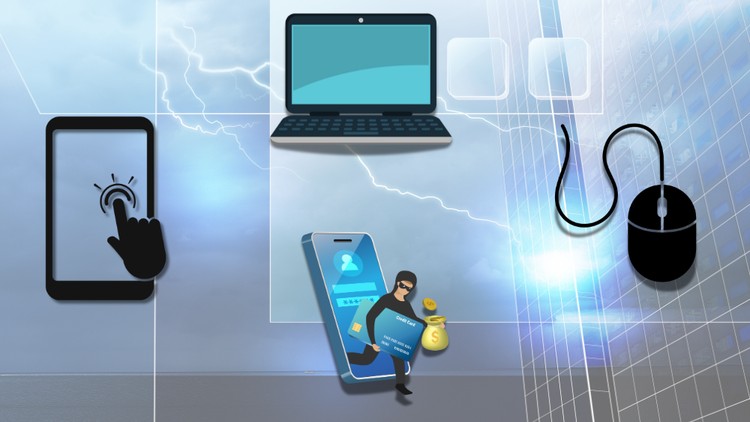
Overview
Develop essential computing skills., Navigate touchscreen features with ease., Gain confidence in using a keyboard and mouse., Learn practical tips for comfortable computer use., Understand the fundamentals of the internet., Familiarize yourself with online laws and restrictions., Master search engine techniques for efficient browsing., Discover key strategies for staying safe online., Learn how to identify and handle online scams like a pro.
Beginners & Adults – Ideal for those with little or no digital experience who want to build confidence in basic IT skills., Job Seekers & Professionals – Enhance employability with essential computer and internet skills., Students & Lifelong Learners – Improve digital literacy for academic and personal growth., Senior Citizens – Gain confidence using digital devices and staying safe online., Entrepreneurs & Small Business Owners – Learn essential IT skills for managing digital tasks., Anyone Concerned About Online Safety.
There are no course requirements or prerequisites
Do you frequently feel that technology is leaving you behind? Computer skills are essential in this digital age for career, education, and personal growth. With the support of our Functional IT course, you will be able to showcase your skills to the fullest extent and compete with confidence in today's IT-driven world.
Even if you have little knowledge of digital literacy, this course is easy to understand. This beginner computer course will teach you the fundamentals of using a computer, the Internet, and other digital devices.
The basic skills needed to use a computer or mobile device effectively are introduced in this course. It covers fundamental keyboard and touchscreen operations, file management, and basic computer problem-solving. To prevent strain, learners will also explore the best ways to sit comfortably when using a computer.
We will also explore the use of the internet. Today, it is almost impossible to accomplish any task without it, and we will help you learn essential internet basics. Our goal is to help you use the internet effectively, including navigating websites and using search engines correctly.
As part of the course, you will also learn how to use mobile data to connect to the internet. Learners will explore online public services, rules and regulations, and strategies to protect themselves from online scams.
Don’t wait any longer—master computer skills with our exclusive Functional Skills IT course.
Enroll Now!
This course comes with the following Sections:
Using Your Device: This section covers all the basics of digital literacy, from how to turn on and off your computer to how to resolve common computer problems. You will also learn about common touchscreen features and how to use a mouse and keyboard effectively.
Learning to Use the Internet: This section of our course focuses on strengthening your internet basics. It will cover areas like moving around websites, using search engines, following certain online roles and regulations, taking different public and government services, dealing with online scams, and lots more.
Edutainment UK
Yo nerds, Welcome to Edutainment.
We’re not your typical boring teachers. Nah, we’re the cool kids on the block, who know a lot of stuff and ready to spill the beans!
Whether you’re diving into coding, mastering the art of TikTok marketing, or leveling up your life skills, we’ve got you covered with courses that are equal parts lit and legit.
Our squad of experts isn’t just smart—they’re also pretty fly. We’re talking creators, influencers, and brainiacs who know how to keep it 100 while dropping knowledge bombs.
The Edutainment fam is growing faster than your TikTok feed. And guess what? You’re invited to the party.
Our courses are packed with interactive content, quizzes, and challenges that’ll have you learning and laughing at the same time.
So, why wait?
Smash that enroll button, grab your favorite snacks, and let’s make learning the most epic thing you do today.