Overview
Ensure that participants gain a comprehensive understanding of computer basics, regardless of your initial skill level., Identify common computer issues and apply basic troubleshooting techniques., Understand when and how to seek technical support for more complex problems., Identify different types of computer hardware and their functions., Recognize basic cybersecurity threats such as phishing, malware, and ransomware., Implement basic security practices like using strong passwords and keeping software up to date., Explore and understand more advanced features of operating systems and software for increased productivity., Explain the basic components of a computer system, including hardware (CPU, RAM, storage, peripherals) and software (operating systems, applications)., Use common productivity software (e.g., word processors, spreadsheets, presentation tools) to create, edit, and manage documents.
Individuals with little to no prior experience with computers or digital technology, Individuals looking to switch careers or advance in their current field and need to gain or refresh their computer skills, People entering the job market who need to build or strengthen their computer skills as a prerequisite for many modern job roles, Entrepreneurs/ small business owner who want to manage their business operations more efficiently using basic computer applications and tools, People who want to become more comfortable with computers for personal use, such as staying in touch with family, supporting their children’s education, managing finances, or accessing online services., Those who have been less exposed to technology in their personal or professional lives and want to build confidence in using computers.
No computer experience needed. You will learn everything you need to know., Ability to read and write, as the course will involve following written instructions., Although the course is for beginners, having a minimal familiarity with electronic devices (e.g., smartphones, tablets) can be beneficial., Interest and Willingness to Learn
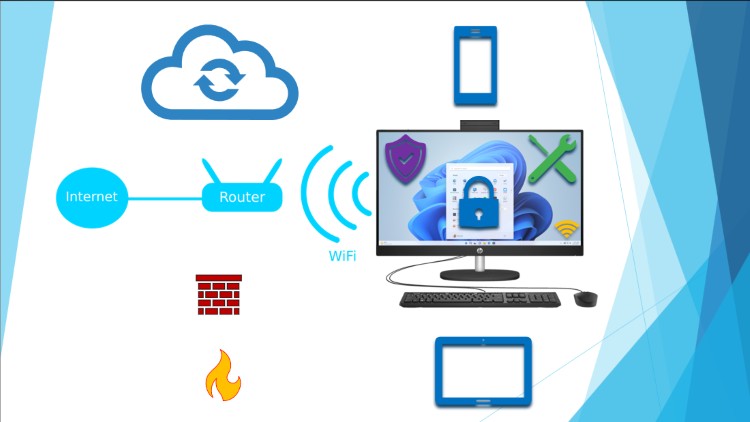
This comprehensive course is designed for learners of all backgrounds and skill levels, aiming to build a solid foundation in computer literacy and advance to more complex concepts. Through engaging, hands-on activities and interactive lessons, participants will explore essential topics including:
Computer Hardware & Software: Understand the components of computers, different operating systems, and essential software applications. Identify different types of computer hardware and their functions.
Internet Navigation: Learn effective online searching techniques, web safety, and the use of various digital communication tools. Use email applications to compose, send, and organize messages. Recognize basic cybersecurity threats such as phishing, malware, and ransomware. Implement basic security practices like using strong passwords and keeping software up to date.
Productivity Tools: Gain proficiency in word processing, spreadsheets, and presentation software, equipping you with skills for both personal and professional tasks.
Data Management: Discover techniques for organizing files, using cloud storage, and understanding basic data security practices.
Basic Troubleshooting: Develop problem-solving skills to address common technical issues. Identify common computer issues and apply basic troubleshooting techniques. Understand when and how to seek technical support for more complex problems.
Whether you are a complete beginner or looking to refresh your skills, this course will empower you to navigate the digital world with confidence. By the end, participants will not only possess foundational knowledge but also the ability to tackle more advanced topics as they continue their tech journey. Join us to transform your computer skills from basic to masterful!
Erick Kamamba
Microsoft Specialist, EPIC Certified & Microsoft Certified Professional (MCP) working working in the IT field for almost two decades.
I hold a Master’s of Science in Information System Management and a Bachelor’s of Science in Computer Science. I'm certified in Software & Web Development, Database, Azure Fundamentals, Azure Data Fundaments, EPIC Cogito just to mention the few.
I believe in passion and desire to help individuals and the community to achieve their career goal and to improve their work-life balance.
My goal is to reach as many professionals as I can and share the knowledge I have gained over the years. If you are passionate about learning cool stuff like programming, Data and Business Analysis, Database, Cloud Computing and more… to improve your career life and well being, feel free to join my journey and sign up for any of my courses.
I have reached and taught thousands of students and professionals. I have also helped lots of individuals to transition to Tech world. And that’s the reasons I started DMK IT Solutions.