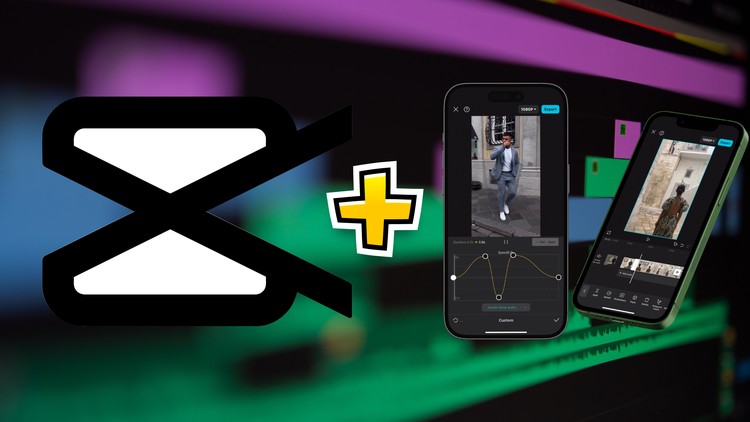
Overview
Transform ordinary smartphone footage into professional-looking videos using Capcut., Apply advanced effects and custom transitions for seamless storytelling., Use features like masking, keyframing, cloning and overlay effects in Capcut, Enhance your videos and make them stand out on social media in Capcut Mobile App, Tailor your videos for different social media platforms. (Instagram, Tiktok, Shorts), Learn efficient mobile workflows to boost creativity and save time using Capcut
Content creators, social media enthusiasts, and aspiring video editors., Perfect for beginners and intermediate users looking to enhance their skills., Ideal for those who want to create engaging video content for their brands or personal page., Improve visual communication skills.
No prior video editing experience is needed—just bring your creativity., No need for expensive equipment or complex desktop software., A smartphone (iOS or Android) with the latest version of CapCut installed.
Unlock the full potential of mobile video editing: (And create stunning content on-the-go)
Turn your smartphone into a powerful editing tool. Learn to master CapCut with our step-by-step tutorials.
Transform from a beginner to an expert with these steps:
Navigate CapCut's mobile interface
- Gain confidence using the app
- Familiarize yourself with essential tools
Utilize essential editing techniques
- Learn to cut, trim, and merge clips
- Apply these techniques to your videos
Create eye-catching text animations
- Optimize for small screens
- Make your text stand out
Apply professional-grade color correction
- Enhance your videos with filters
- Make your footage look cinematic
Design custom transitions
- Seamlessly connect scenes
- Keep your audience engaged
Craft engaging audio experiences
- Use sound design techniques
- Synchronize music and effects
Leverage advanced mobile features
- Use masking, cloning, keyframing, and overlays
- Add depth to your videos
Optimize videos for social media
- Tailor your content for different platforms
- Maximize your reach and engagement
Through practical tutorials, you will:
Transform ordinary footage into masterpieces.
Add stunning visual effects with Capcut Mobile
Create smooth, professional transitions.
Edit your Instagram Reels, tiktok Videos in Capcut Mobile.
Edit Podcast with animations, effects, vfx in Capcut Mobile.
Synchronize music for maximum impact.
Use green screen and motion tracking.
Beyond technical skills, you'll discover:
How to develop your unique editing style.
Tips for efficient mobile workflows.
Strategies for growing your online presence.
Best practices for optimizing videos.
By the end of this course, you'll create professional-quality videos on your mobile device using CapCut. You'll stand out with content that rivals desktop-edited videos. Boost your brand, enhance marketing, or express creativity – all from your phone.
No prior experience needed. Just bring your smartphone and creativity.
Enroll now and become a CapCut mobile master!
Manthan Patel
ALTRUISM, SELF-IMPROVEMENT, OPENNESS
My core values are ‘Altruism’, ‘Self-improvement’ and ‘Openness’. My aim was to bring that into the course and so far I can really feel that growing in the course community. It has been a pleasure to see!
An architect of AI Chatbots, AI SAAS APPs and Generative AI Applications.
I have been always passionate about teaching since my first time as a volunteer math tutor in high school. My goal on Udemy is to share my knowledge and build a wonderful community to study many different things together.