Overview
Learn to create and manage Work Breakdown Structures (WBS) in Microsoft Project, ensuring tasks are well organized and aligned with construction project goals., Gain skills in applying Earned Value Management (EVM) to monitor cost and schedule performance, enabling accurate tracking of construction project progress., Master resource allocation and leveling techniques in Microsoft Project to optimize labor, materials, and equipment for civil engineering projects., Develop the ability to prepare professional project schedules and reports that improve communication, planning, and decision-making in construction management.
Civil engineering students who want to learn project planning tools., Professionals preparing for roles in planning, scheduling, or project control., Site engineers & project coordinators handling construction projects.
Basic knowledge of civil engineering and construction projects, Fresh graduates entering project management roles., Laptop/PC with Microsoft Project
This course is specially designed for civil engineers who want to master Microsoft Project for construction planning and control. You will learn how to create and manage a Work Breakdown Structure (WBS), allocate and optimize resources, track project performance, and apply Earned Value Management (EVM) to measure cost and schedule efficiency.
Project scheduling & tracking progress
Critical Path Method (CPM) analysis
Baseline creation & comparison
Reporting & dashboards in MS Project
Resource leveling & optimization
• Work Breakdown Structure (WBS): Learn how to break down complex projects into manageable tasks, ensuring clarity in scope and deliverables.
Resource Management: Understand how to assign and optimize manpower, materials, and equipment to maximize efficiency and avoid project delays.
Earned Value Management (EVM): Gain hands-on expertise in tracking project performance by integrating scope, schedule, and cost for accurate forecasting.
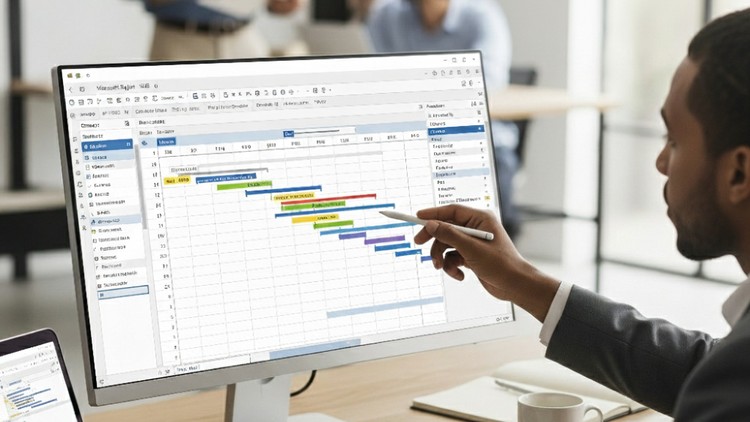
Project Scheduling: Create Gantt charts, milestones, dependencies, and critical paths to keep projects on track.
Progress Tracking & Reporting: Monitor actual vs. planned progress, generate professional reports, and communicate effectively with stakeholders.
With a practical, step-by-step approach, this course will help you plan, monitor, and deliver construction projects effectively using MS Project. You will gain the skills to manage real-time challenges such as delays, resource overallocation, and cost control in civil engineering projects.
By the end of this course, you will be able to confidently use Microsoft Project as a complete project management tool for civil works - from scheduling to billing, tracking progress, and ensuring successful project delivery.
FAISAL ATHAR
I am a Civil Engineer with 8 years of professional experience in the construction industry, focusing on Project Management, Estimation, Costing, and Billing. Throughout my career, I have successfully worked on residential, commercial, and large-scale infrastructure projects, handling complete project life cycles from planning to execution.
My core expertise lies in:
Primavera P6 & Microsoft Project for advanced project planning and scheduling
Preparing and managing Work Breakdown Structures (WBS)
Cost estimation, billing, and resource allocation
Performance monitoring through Earned Value Management (EVM)
Project progress tracking and reporting for stakeholders
Quantity Surveying - precise measurement, valuation, and documentation of construction works.
Cost Estimation - preparing detailed and reliable estimates for all types of projects.
Cost Control - implementing systems to monitor expenses, reduce overruns, and ensure profitability.
High-Rise Building Estimation - specialized in multi-story and complex structures with advanced techniques for accurate material, labor, and cost forecasting.
I believe in practical, hands-on learning, which I bring into my teaching by sharing real industry examples, case studies, and tools. My mission is to equip civil engineers, students, and working professionals with the skills required to manage projects efficiently and confidently using Primavera P6 and MS Project.